FREE RESOURCES
Free resources, organized by stage
22 free guides and worksheets — grouped by where they help, not dumped into one long list.

Search by title or what you need help with.
No free resources match “”.
Try one shorter word, like Canva, ideas, listing, or ChatGPT.
Start
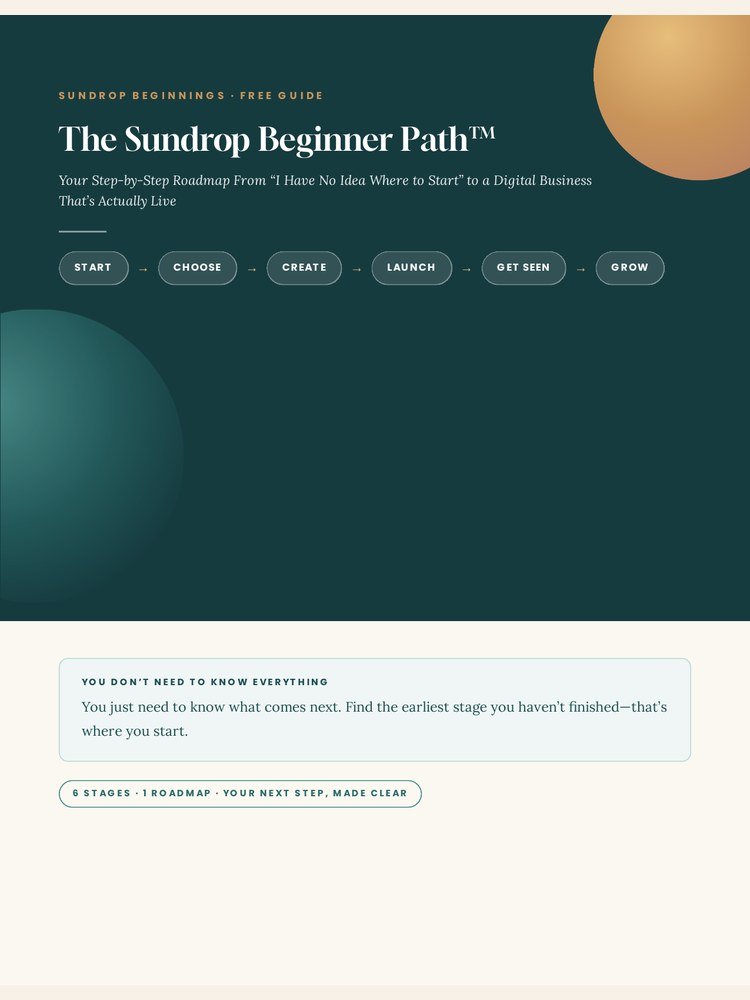
The Sundrop Beginner Path
Explains the START → CHOOSE → CREATE → LAUNCH → GET SEEN → GROW path and helps a beginner identify what comes next.
Before You Buy Another Course… — A 10-Minute Beginner Business Reset
Runs a 10-question gut check before buying another course, tool, or template so beginners match purchases to a real current need.
Beginner Digital Business Dictionary
Explains common digital-business terminology in plain beginner language so jargon does not become a blocker.
Do I Actually Need That Yet?
Sorts common tools, purchases, and upgrades into NOW, LATER, MAYBE, or not-needed-yet decisions.
The 30-Minute Business Unstuck Session
Gives an overwhelmed beginner a short focused reset to identify one blocker and one useful next action.
The Beginner Business Tech Stack
Explains the basic jobs a beginner digital business needs technology to perform without implying every tool is required immediately.
10 Things to Ask ChatGPT When You’re Starting a Digital Business
Gives beginners ten useful copy-and-paste questions for learning, pressure-testing ideas, finding blind spots, reviewing work, and deciding next steps.
Make AI Explain It Like I’m New
Provides seven copy-paste prompts that make confusing AI explanations clearer, more step-by-step, and more beginner-friendly.
Choose
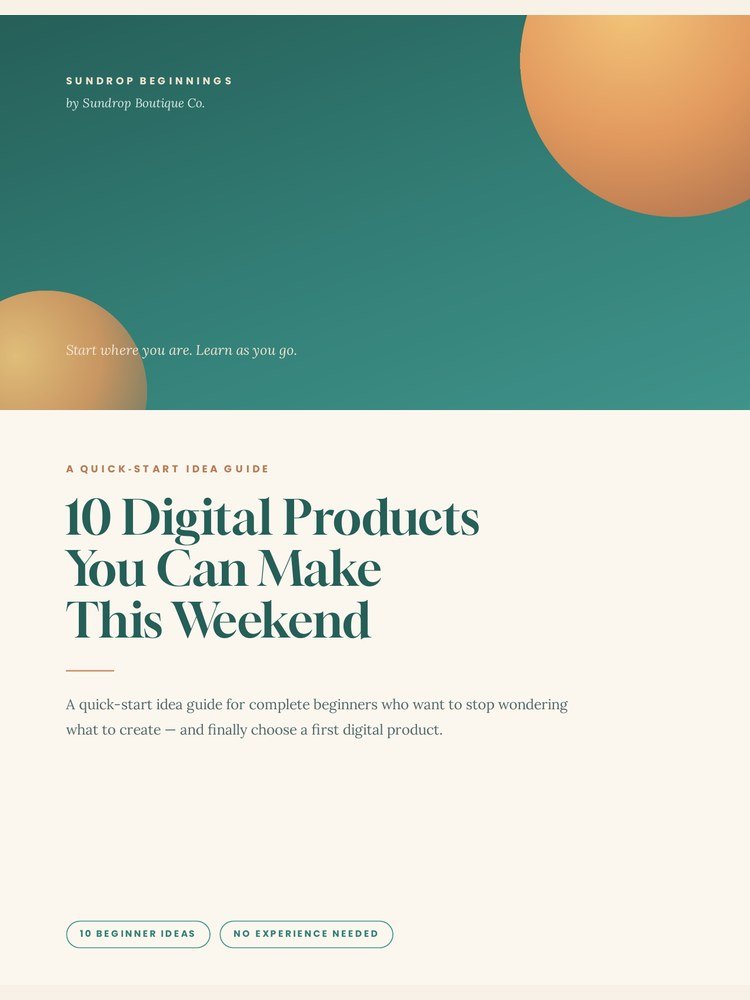
10 Digital Products You Can Make This Weekend
Shows a beginner realistic digital-product possibilities and helps them see approachable things they could create.
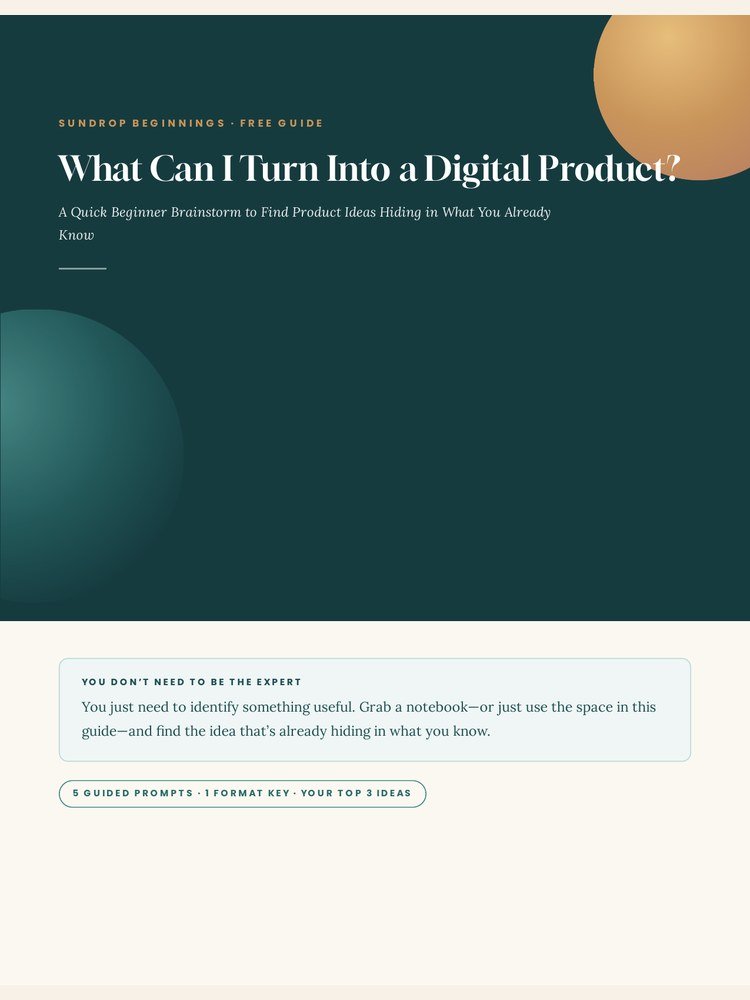
What Can I Turn Into a Digital Product?
Uses guided prompts to uncover product ideas hiding in what the user already knows, organizes, researches, or has created.
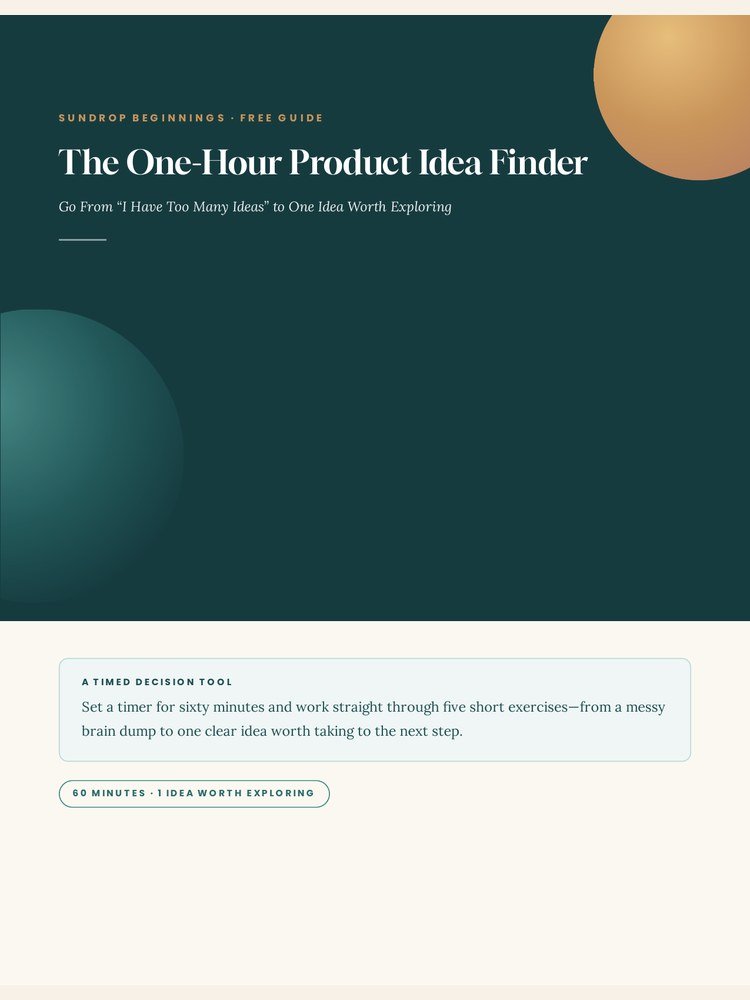
The One-Hour Product Idea Finder
Moves a beginner from too many ideas to one idea worth exploring using a timed brain dump, usefulness test, reality test, and quick evidence check.
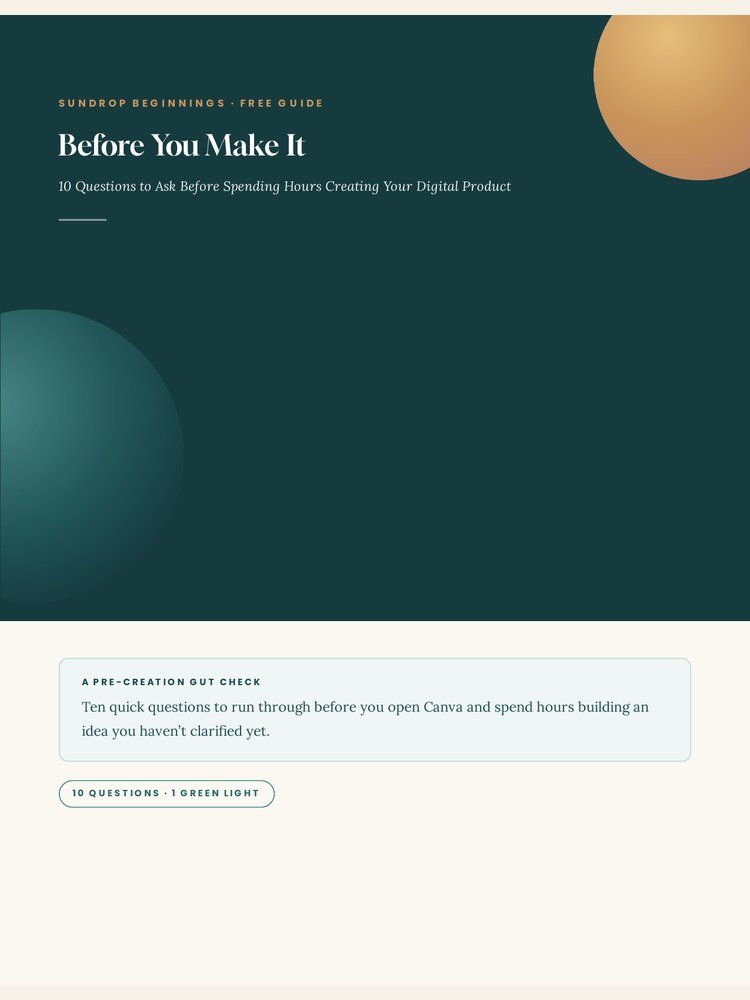
Before You Make It
Provides a short checkpoint before creation so a beginner does not build an idea without first asking basic usefulness and validation questions.
Create
Canva Without the Confusion
Teaches only the small set of Canva skills a beginner needs to build and export a first simple PDF without trying to master the entire platform.
Your First PDF
Walks a beginner through turning a simple idea into an actual PDF, exporting it correctly, opening the file, and checking that it works.

Can I Trust This ChatGPT Answer?
Provides a seven-point fact-check system for deciding when an AI answer can be used, when it needs verification, and how to verify it.
Is This Ready to Sell?
Provides a quick pre-sale readiness diagnostic for a finished draft or product before the creator moves into full launch preparation.
Launch
The Digital Product Launch Prep Pack
Runs final product-to-published operational checks for files, listing, images, delivery, and pre-publish readiness.
Your First Digital Product Listing Checklist
Helps the creator gather and check the core information, files, and listing elements before opening the selling platform.
Get Seen
25 Faceless Posts You Can Make Without Filming Yourself
Provides 25 practical faceless post ideas plus a simple Hook → Help → Next Step formula.
Your First 7 Days of Faceless Content
Gives a beginner a short seven-day sequence for taking the first actions in faceless content without committing to a full month.
One Idea, Seven Pieces
Shows how one content idea can become multiple useful pieces without repeating the same message verbatim.
Travel

Wait… How Does This Work?
European Trains for the First-Time Traveler
First trip to Europe? This beginner-friendly guide explains the practical travel details nobody seems to explain beforehand—from European trains, tickets and reservations to stations, language barriers, airport arrivals and getting where you need to go.
Every "Get it free" button above links to a Systeme.io opt-in — until each destination is supplied, it appears as a disabled preview button rather than a live link.